Use your wearable: Apple Watch, Fitbit, Garmin and more
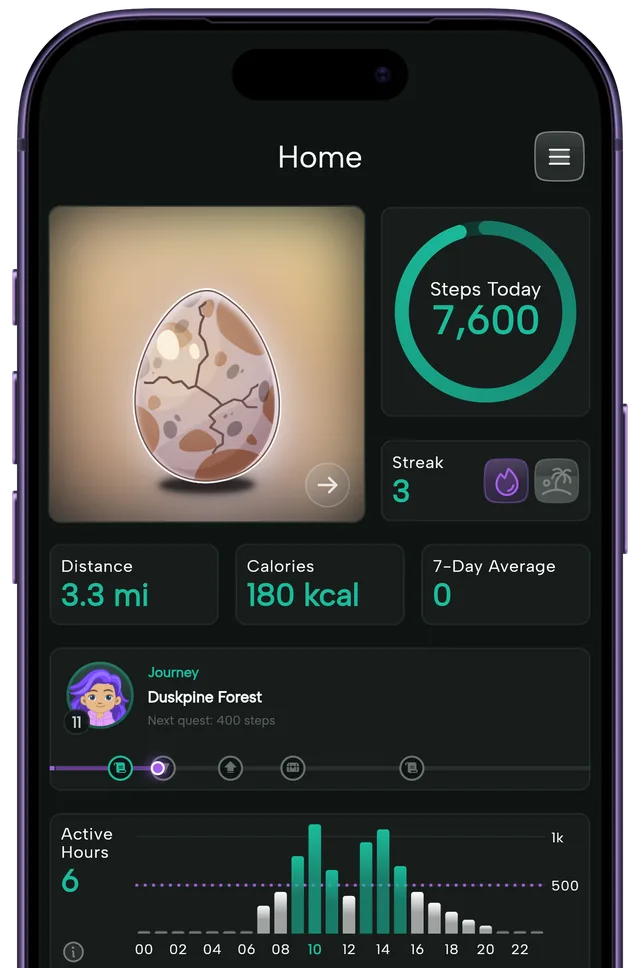
Your watch works with the app through Apple Health and Health Connect, with nothing extra to install. Its steps count toward your eggs, your streaks and your Journey.

At a glance
- Your watch works through Apple Health and Health Connect, with nothing extra to install.
- Steps your watch saves to Apple Health or Health Connect count toward eggs, streaks and the Journey.
- The app reads your steps and leaves your health data untouched.
- Phone and watch counts are never added together, so every step counts once.
- Most big brands sync, and the table below shows which ones.
Works with the watch you already own
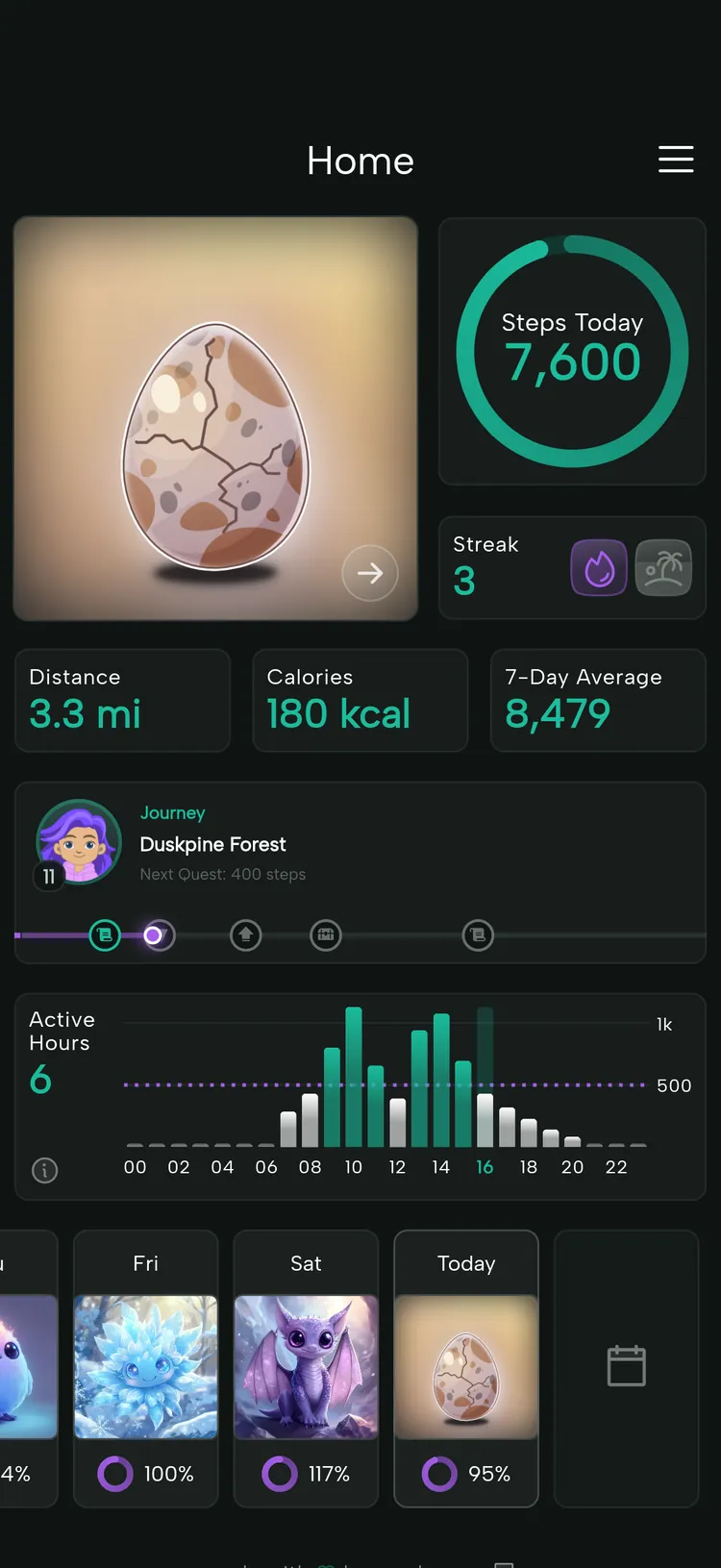
Your watch talks to the app through Health. The watch’s own app saves your steps to Apple Health on iPhone or Health Connect on Android, and the app reads them from there. Whatever lands in Health counts toward your egg, your streak and your Journey, no matter which device recorded it.
The app reads your steps and leaves your health data untouched. Wear the watch you already own, and its steps quietly join the game: your eggs, streaks and Journey, all fed by your wrist.
Does it work with my watch?
Almost certainly, as long as your watch’s app can save steps to Apple Health or Health Connect. Find your brand in the table below, and follow the link in its row to the setup guide for your phone. You only need to set it up once.
| Wearable | iPhone (Apple Health) | Android (Health Connect) |
|---|---|---|
| Apple Watch | Yes | No |
| Fitbit | Yes, through Google’s current app | Yes |
| Pixel Watch | Only if Google’s app syncs it to Health | Yes |
| Samsung Galaxy Watch | Newer models don’t pair with iPhone | Yes, through Samsung Health |
| Garmin | Yes | Yes |
| Polar | Yes | Yes |
| Oura | Yes | Yes |
| WHOOP | Yes | Yes |
| Withings | Yes | Yes |
| COROS | Yes | Yes |
| Amazfit | Yes | Yes |
| Xiaomi | Yes | Yes |
| Suunto | Yes | Not currently |
| Huawei / Honor | Not reliable | No |
Last checked November 2026. Brands change what their apps can do, so the setup guides are the source of truth.
Phone and watch, counted once
If you carry both, nothing is counted twice. Apple Health and Health Connect each merge the sources they hold: Apple Health follows your source order, and Health Connect follows your app priority. The app also reads your phone’s own count and takes the higher of the two. They are never added together, so a walk your watch and phone both saw counts once.
If you wear a watch and sometimes leave the phone at home, put the watch’s app first in Apple Health’s source order. That way a day you only had the watch for still shows its full count.
Left your phone at home?
Watch steps arrive once the watch’s app has synced to Health, so open that app if a walk hasn’t shown up yet. If your phone missed a whole day you really did walk, you can correct that day’s steps.
Holding the rails on a treadmill? A wrist tracker can undercount there, and the phone in a pocket is often the better counter. The treadmill guide has the details.
If the numbers don’t match
Most mismatches come from a sync that hasn’t happened yet, the wrong source winning in Health, or a missing permission. The iPhone and Android missing-steps guides walk through each one.
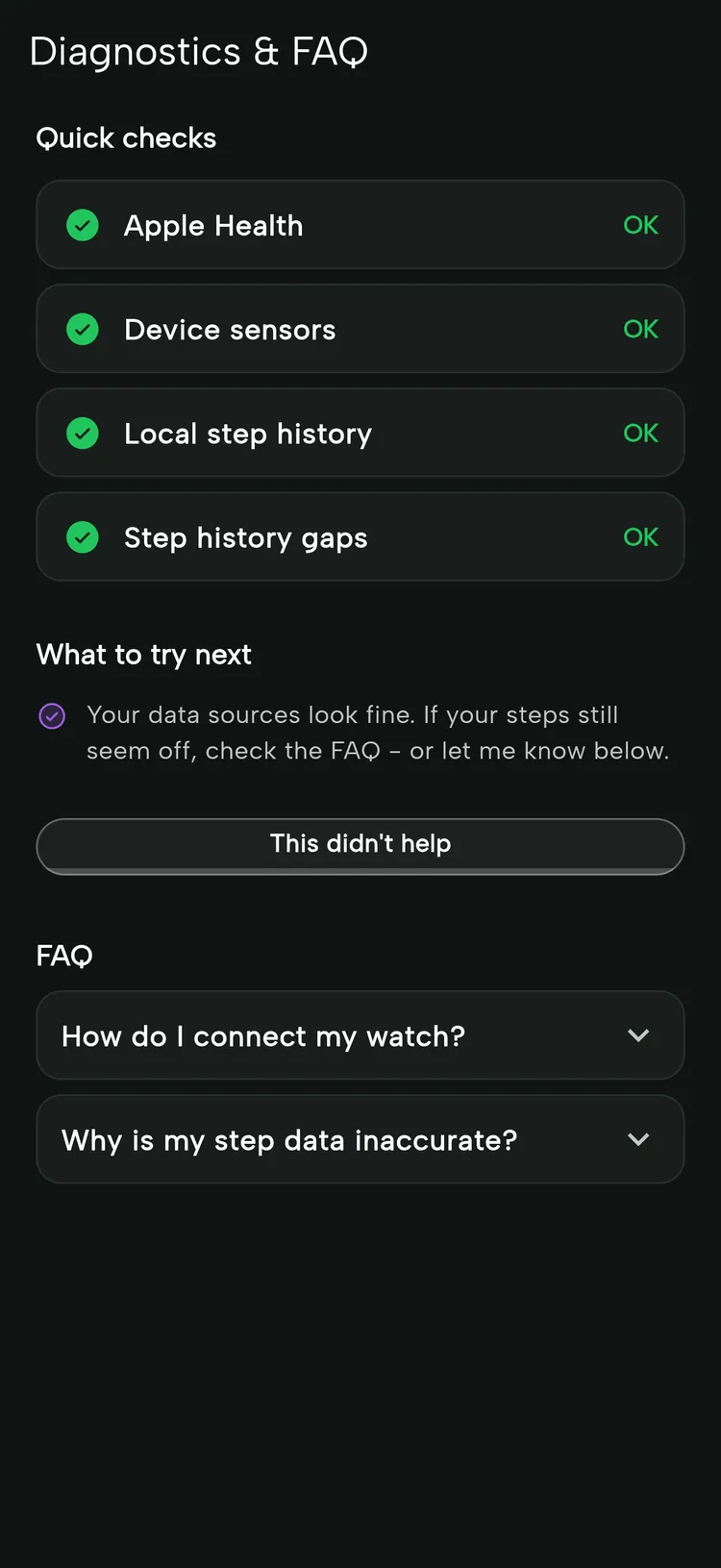
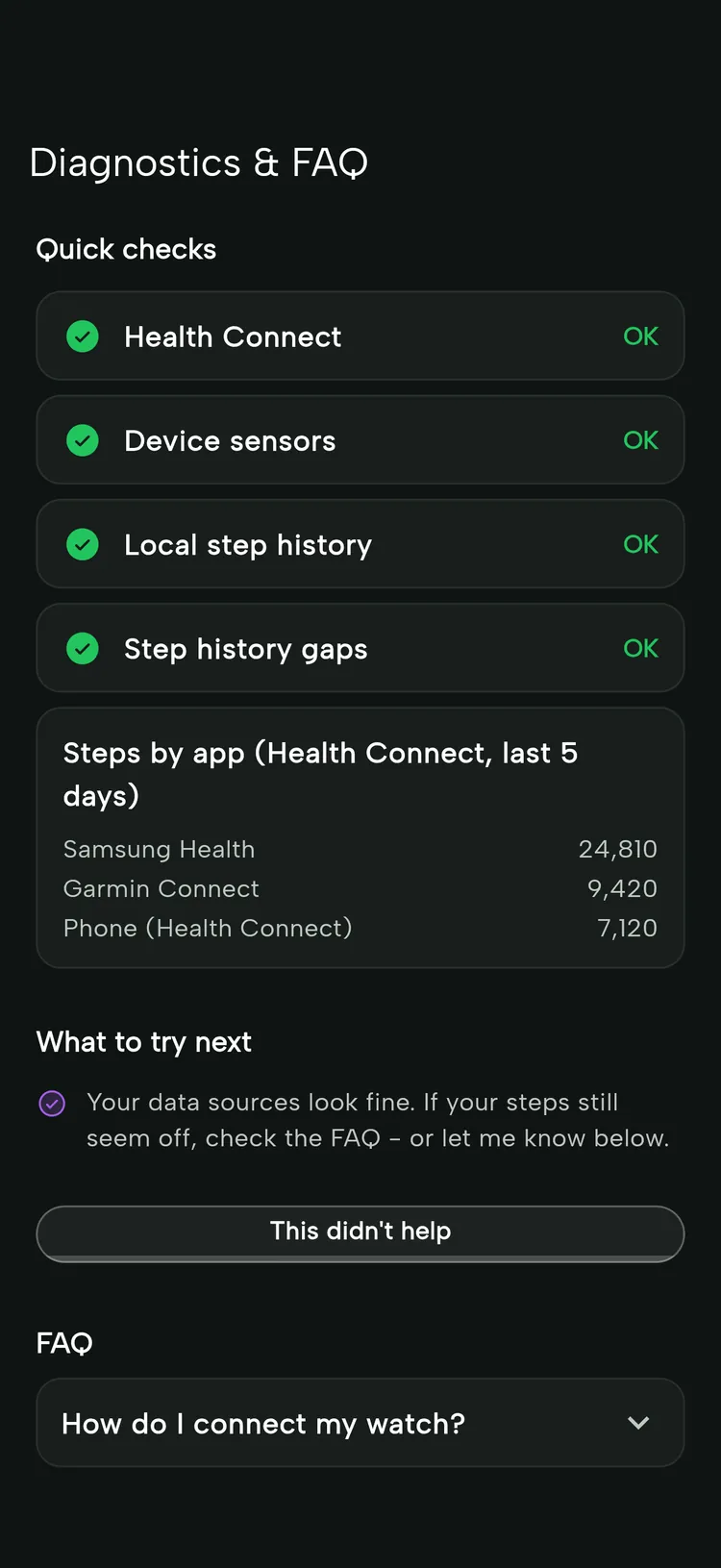
The Diagnostics screen helps too. On Android it also lists which apps your steps came from, so you can see whether your watch’s app is writing at all. Together with the missing-steps guides, that usually points to the one setting that needs a change.
If your watch isn’t on the list
A few brands don’t share steps with Apple Health or Health Connect, which is why some rows in the table say no. Your phone’s own count keeps working for them, so you can play while you wait for a brand to catch up.
The game lives on your phone, with your Beasts, your map and your character all in one place, and your watch simply helps count.
Frequently asked questions
Keep exploring
Walking streaks
Count your goal days in a row and celebrate the milestones. A Lazy Day lets you plan a rest day.
Learn moreStatistics, recaps and Year Wrapped
A calendar of every walk, weekly and monthly recaps, statistics that show your trends and a look back every December.
Learn moreJourney and milestones
Your steps walk your avatar across a map that never ends. Reach one-time milestones to open chests with rewards and Beast eggs.
Learn moreTreadmill and indoor walking
Treadmill, walking pad or hallway laps: indoor steps count, hatch Beasts and move your Journey.
Learn more